Common Application Activities Section

Download Instructions

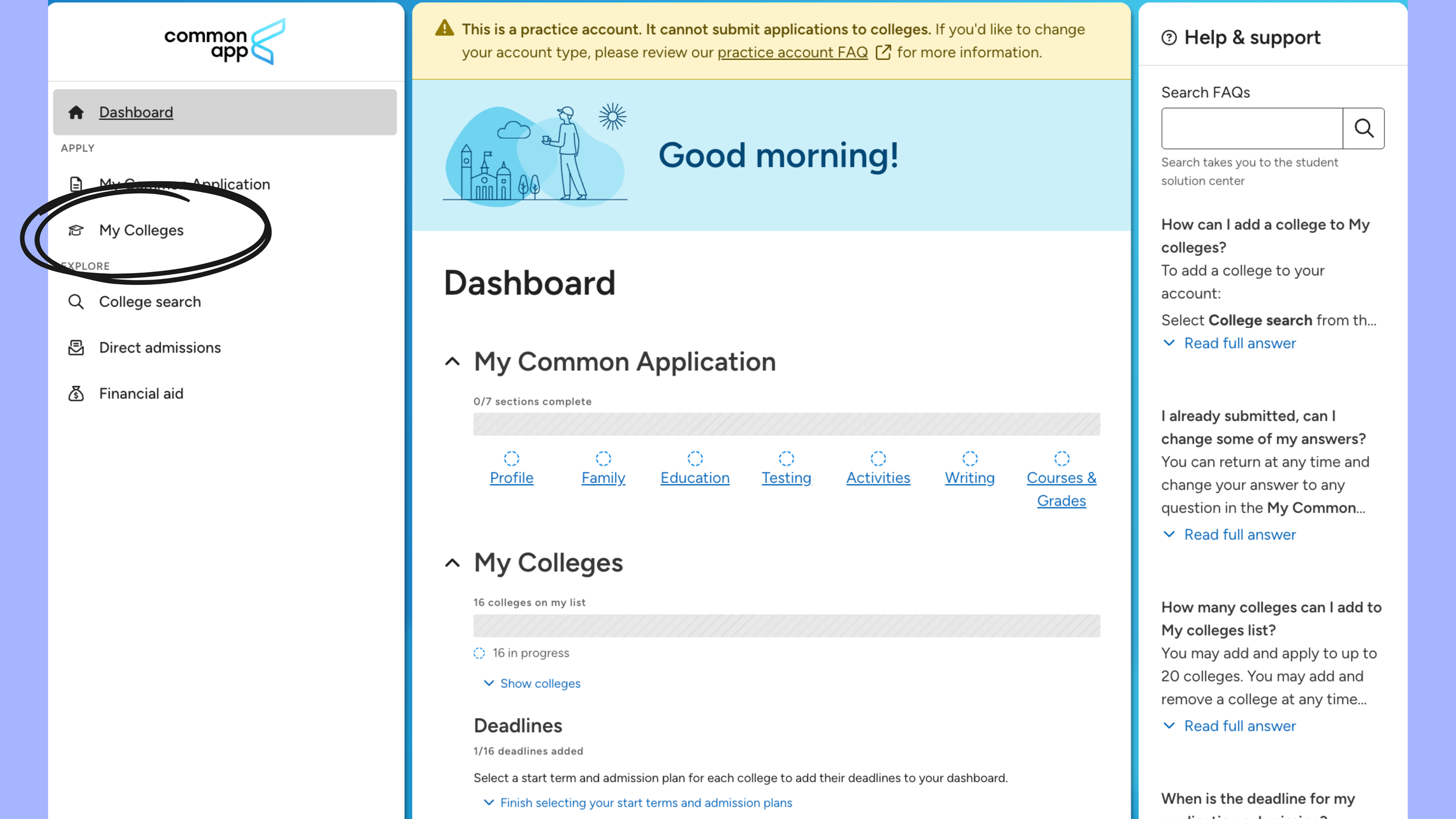
Screenshot of a college application dashboard showing menus for My Colleges, College search, Direct admissions, and Financial aid, with a highlighted My Colleges section.
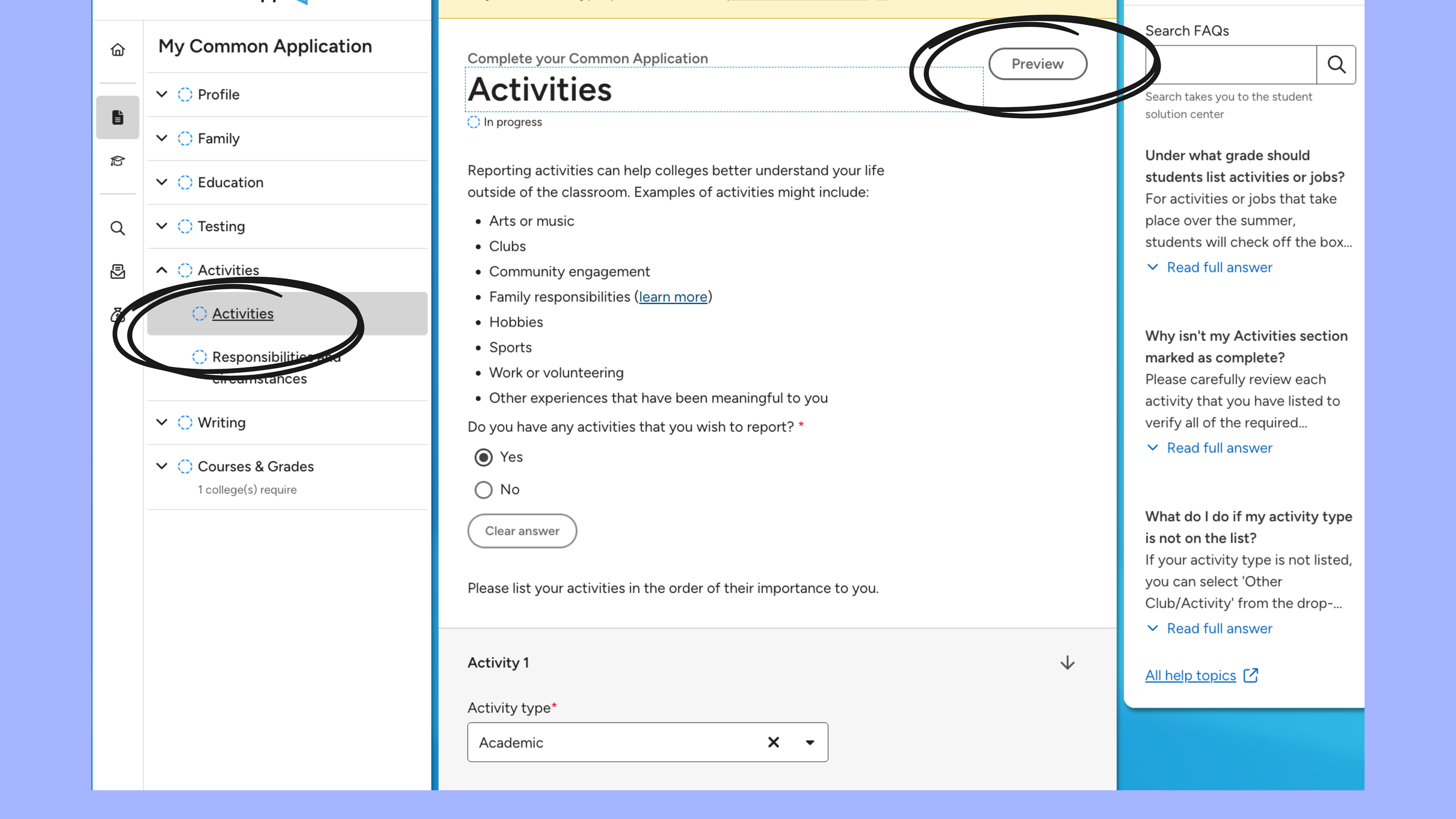
Screenshot of an online application form titled "My Common Application" with a sidebar menu on the left showing sections like Profile, Family, Education, Testing, Activities, Responsibilities, Writing, and Courses & Grades. The main content area displays a section labeled "Activities" with instructions to list activities, a question about reporting activities, and options to select "Yes" or "No." The top right has a preview button and a search box.
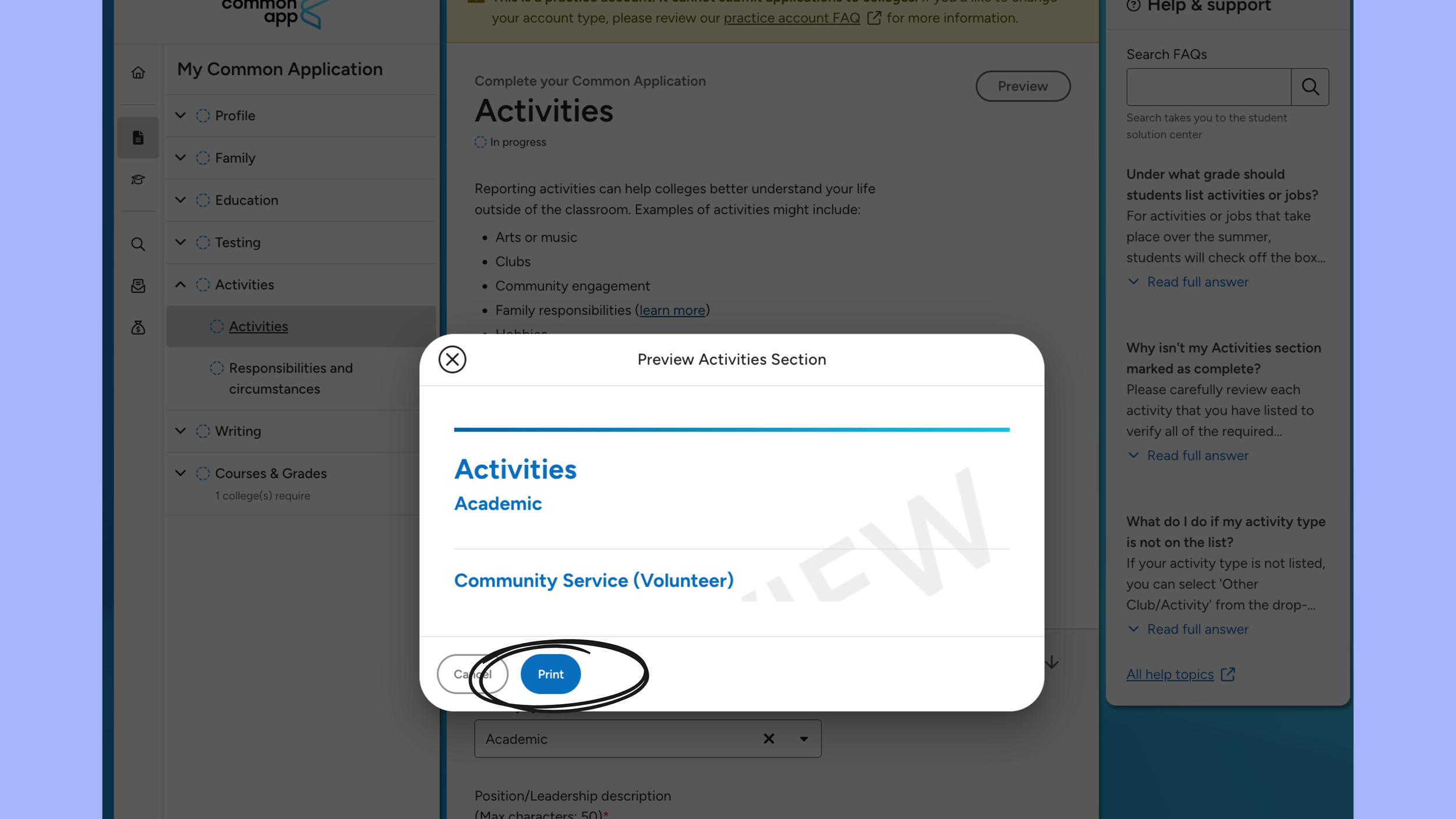
Screenshot of a digital interface showing a dialogue box with options to print a list of activities, including academic and community service activities, with buttons labeled "Cancel" and "Print".
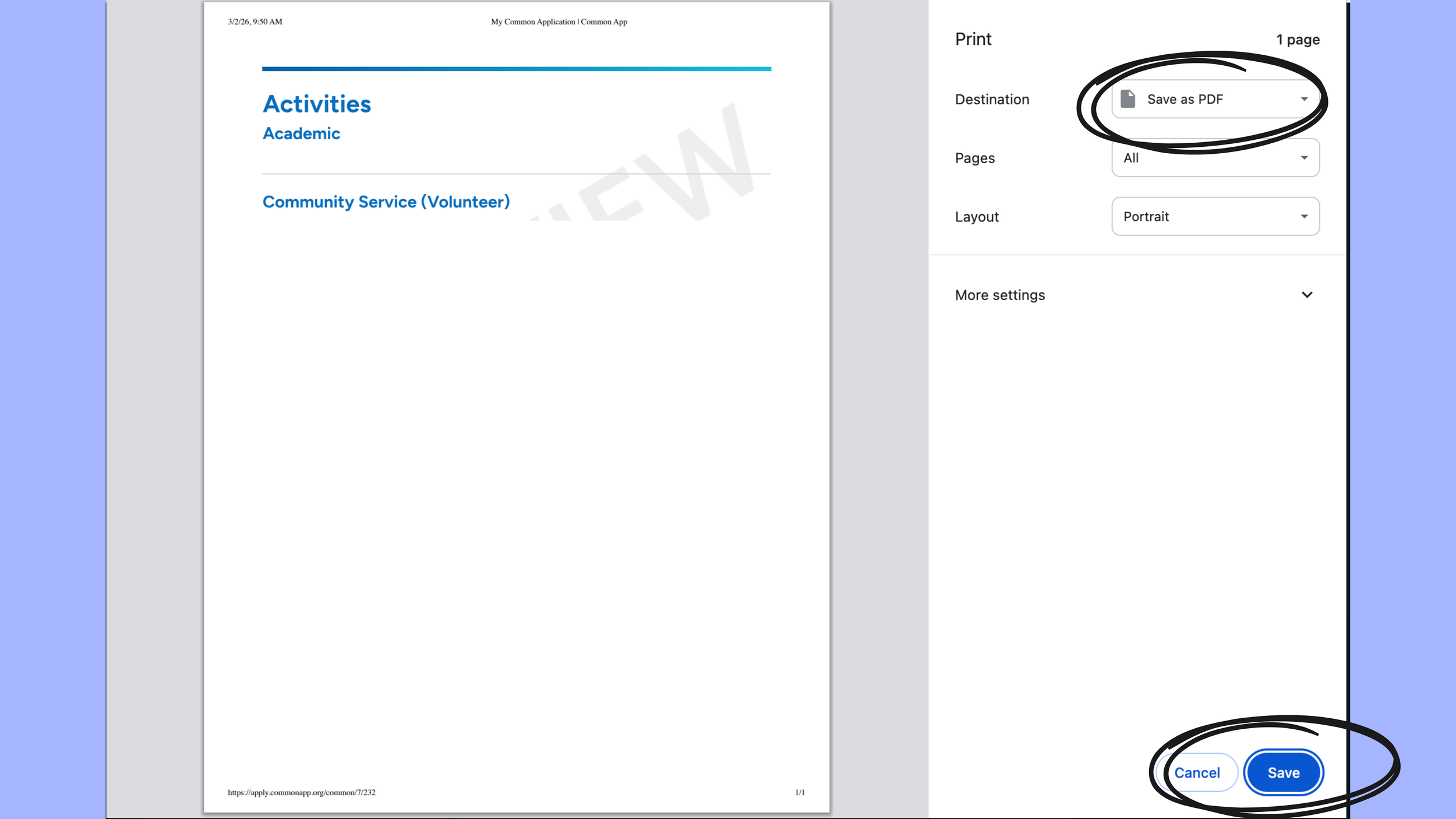
Screenshot of a document with the section titled 'Activities' listing 'Academic' and 'Community Service (Volunteer)' activities. On the right, a print dialog box with options for saving as PDF, selecting pages, layout, and buttons labeled 'Cancel' and 'Save'.